
原文链接:https://mp.weixin.qq.com/s/GJTBUxqUomrw0lSXaZMnKw
刷小视频总不如多看点书,看书护眼还是墨水屏。在拼夕夕上买到了一款少于200大洋的国产墨水屏。
收货拆箱如下图:主机、贴膜、吸力圈、说明书、清洁袋、SD卡(装在主机上)、一个SD卡读卡器。

开始启用,第一步手机里安装其APP,然后注册。
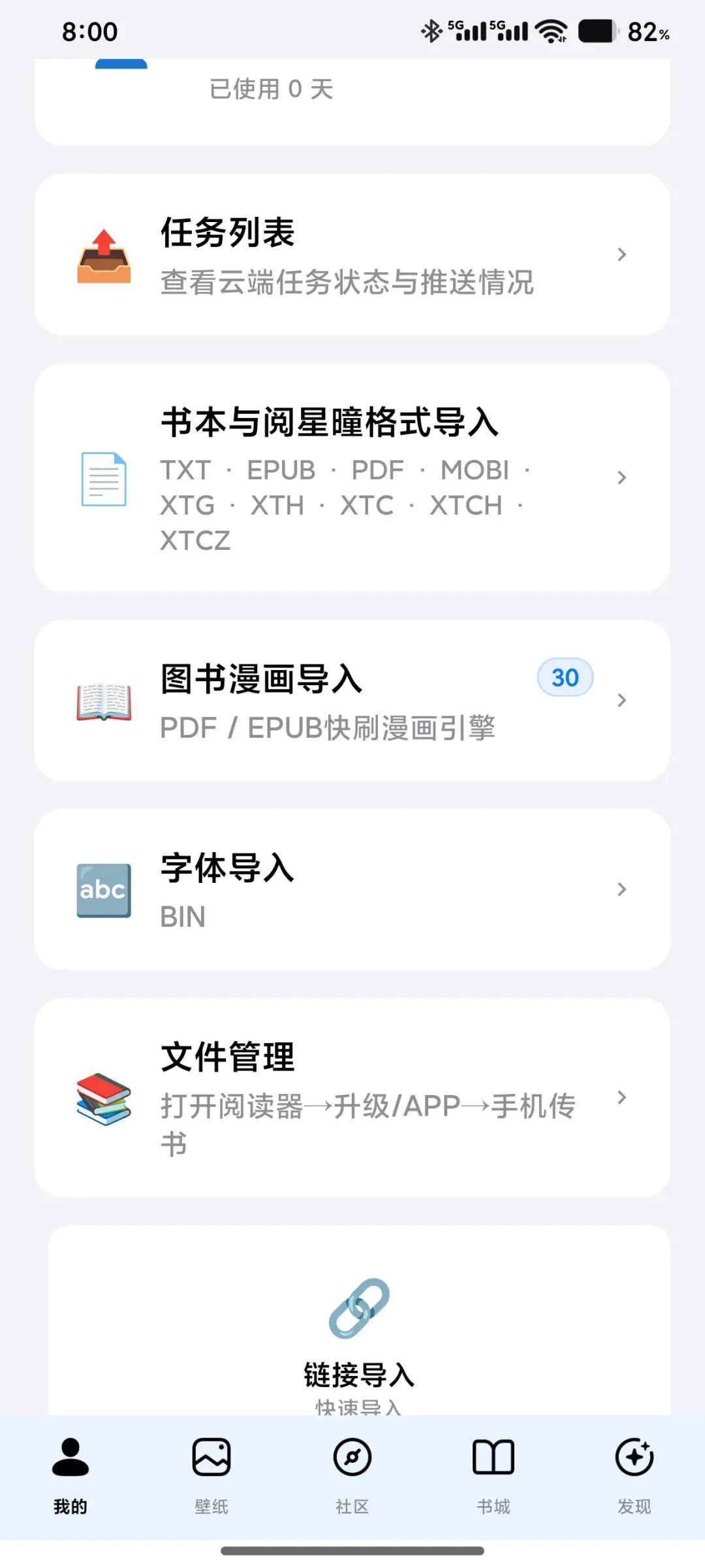
APP粗看UI设计有点土,配置管理要往下翻页才看到。
第二步,墨水屏开机。此货不是触摸屏,靠按钮互动。右侧和底部有按钮,右侧是电源开关和上下翻页按钮。底部是选择确定按钮和左右移动按钮。新手得适应一下。
第三步,墨水屏与APP连接。墨水屏先连接上WiFi,需要2.4G网络。
APP找到设置页,找到设备绑定,然后扫描墨水屏,反应速度有点慢的,稍等就可以连接成功。
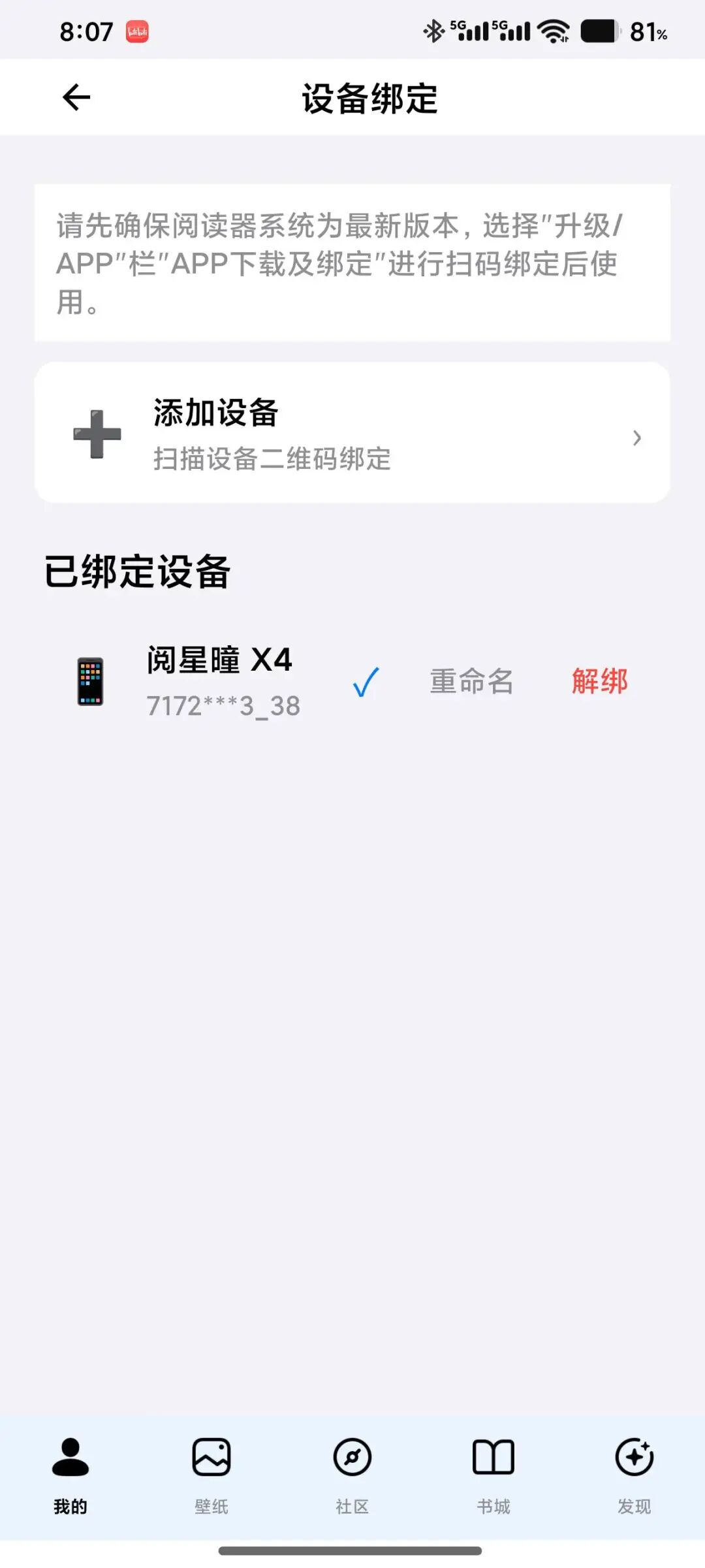
第四步,传本书试试阅读。
APP上有书城,经典阅读找本书,选择“一键推送”
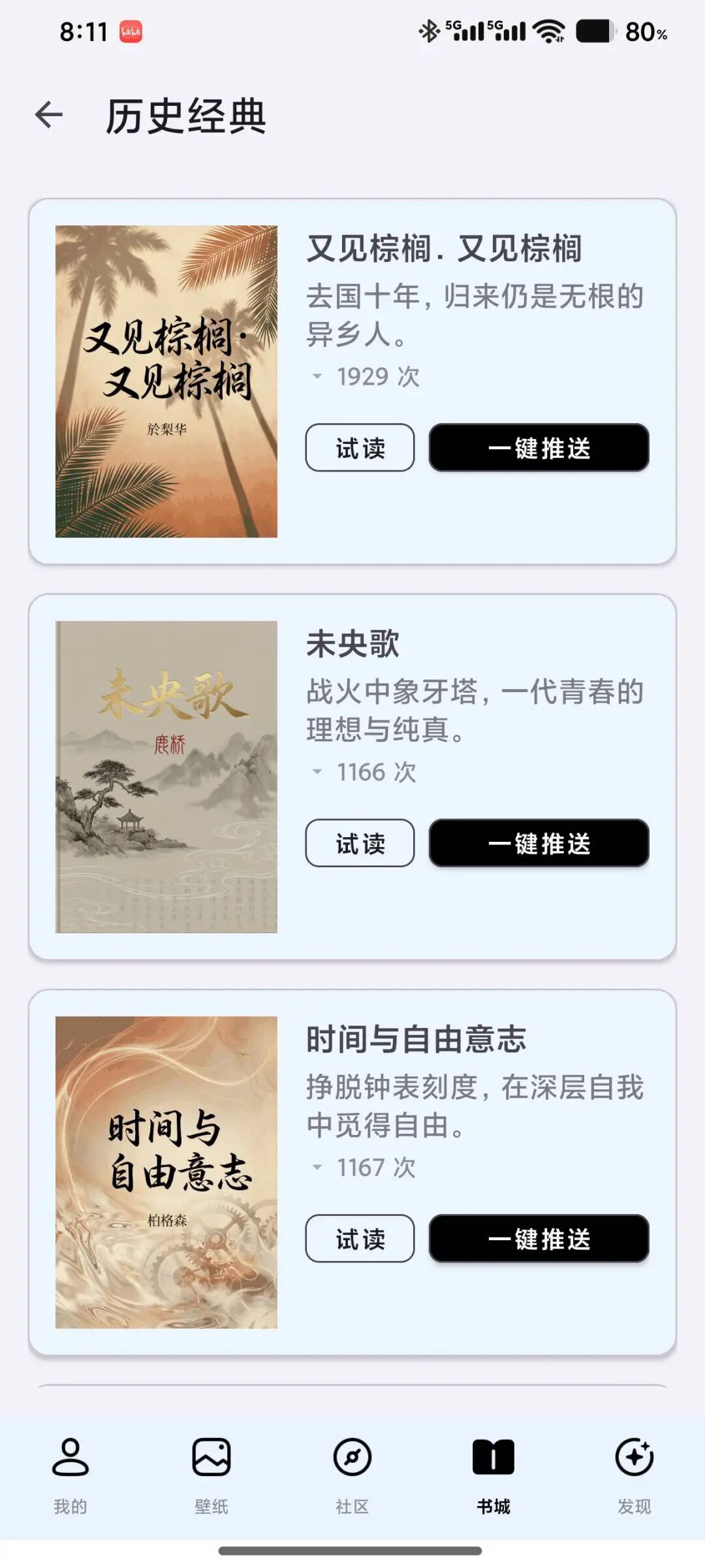
推送速度一般,稍等就可以。然后主机上按选择按钮,墨水屏就会去云端下载。下载后就可以阅读了。
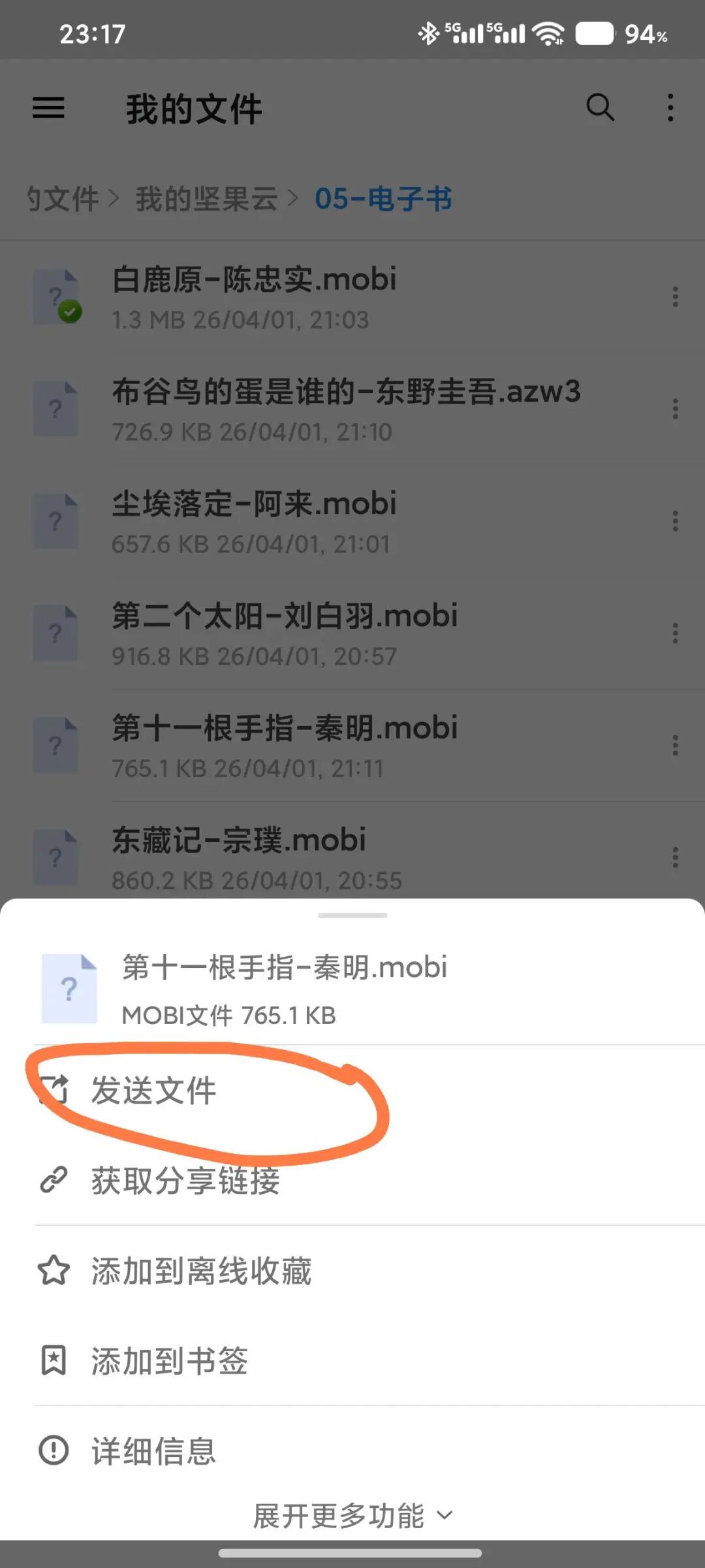
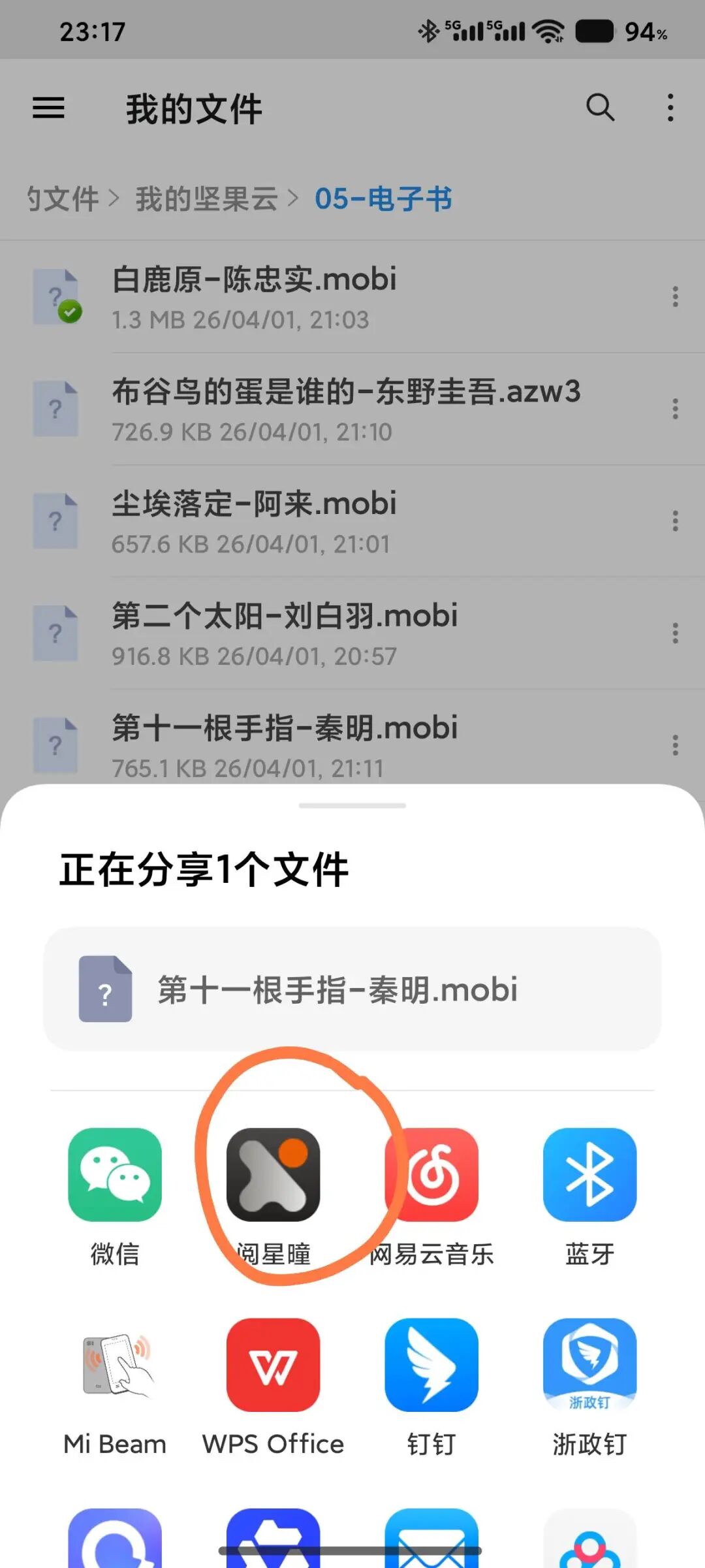
第五步,分享一个传书的好方法。可以去电子书网站下载电子书到坚果云,然后坚果云推送到阅星瞳,如下图,更加方便。
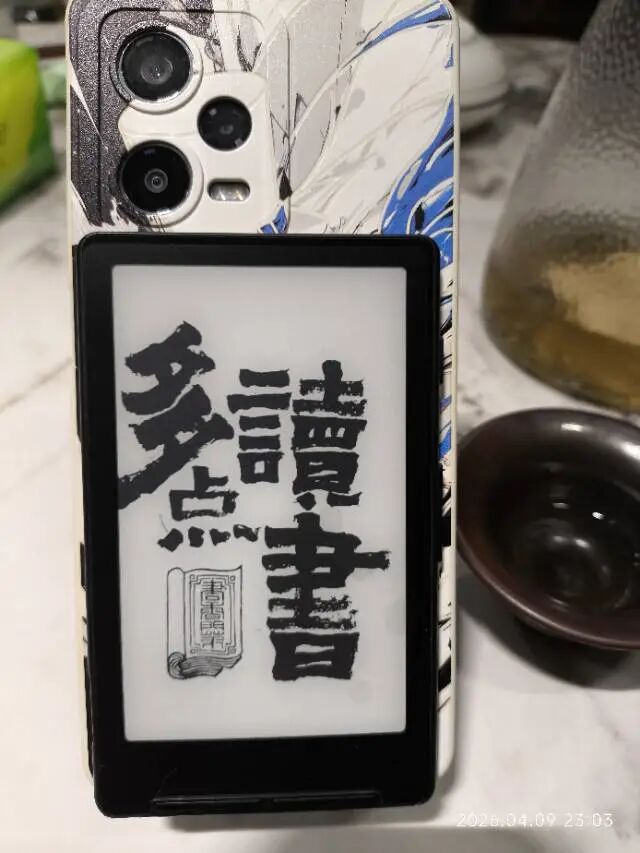
第六步,设置背景图。
Original link: https://mp.weixin.qq.com/s/GJTBUxqUomrw0lSXaZMnKw
Scrolling short videos is never as good as reading more books, and for eye comfort it has to be e-paper. I picked up a domestic e-paper reader on Pinduoduo for under 200 yuan. The unboxing: the device, a screen protector, suction rings, a manual, a cleaning cloth, an SD card (already in the device) and an SD card reader.
Starting it up: first install its app on your phone, then register.
The app's UI looks a bit dated on first glance, and you have to scroll down to find configuration management. Second, power on the e-paper reader. This unit is not a touchscreen and relies on buttons. There are buttons on the right side and bottom: the right side has the power switch and up/down page buttons; the bottom has the select/confirm button and left/right movement buttons. Newcomers will need to get used to it. Third, connect the e-paper reader to the app. The reader first connects to Wi-Fi, which needs a 2.4G network. In the app, go to settings, find device binding, then scan for the reader — the response is a bit slow, but give it a moment and it connects.
Fourth, push a book over and try reading. The app has a bookstore; in the classics section, find a title and choose 'One-click push'.
Pushing is fairly slow but you just have to wait. Then press the select button on the device and the e-paper reader will download from the cloud. Once downloaded you can read. Fifth, sharing a good method for transferring books. You can download e-books from e-book sites to Nutstore, then push from Nutstore to Yuexingtong, as shown below — even more convenient.
Sixth, set the background image.