
原文链接:https://mp.weixin.qq.com/s/Q4Cg1t-9tL6M7bzbCym5nw


https://docs.m5stack.com/zh_CN/uiflow/m5burner/intro




Original link: https://mp.weixin.qq.com/s/Q4Cg1t-9tL6M7bzbCym5nw
A development board that the manufacturer never claimed was a reader, with hardware specs filling an entire A4 page. The first thing you do when you buy it isn't read a book, but flash the firmware — and yet, this thing is wildly popular in the e-ink community.
M5Stack's PaperS3 is that absurd.
While other small-brand e-ink readers are aggressively marketing and failing in design, this one coasts to victory thanks to the open-source community.
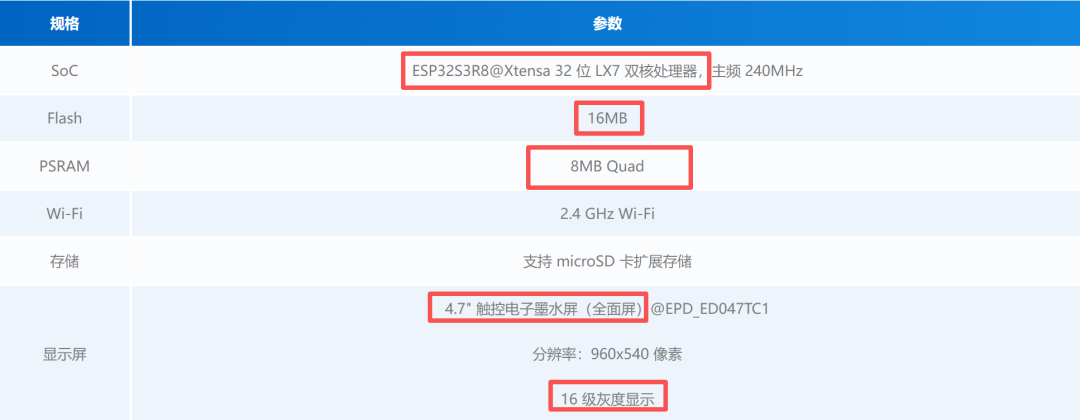
For those unfamiliar: PaperS3 is positioned as a development board. (Note: It uses the ESP32-S3 chip, not the ESP32-C3 that became infamous after the over-spec scandal. The former is significantly more powerful.)
Check its technical docs — the listed applications (4 in total) have nothing to do with reading.
Even after the e-ink community hyped it to the moon, the official application list hasn't changed a word.
It never considered itself an e-ink reader. But somehow, it outperforms many "small-brand" e-ink readers.
This is the power of open source.
Okay, before the formal review, let me teach you how to flash the firmware. Without it, you'll get a bare board that does nothing.
Don't be scared of flashing — you can't break the machine, and if you fail, just try again.
Plus, learning this skill now will help with other devices later.
But if you find the act of flashing tedious, then don't buy it. This thing requires manual firmware updates every time, so you'll need to keep tending to it.
If you're cool with that, read on.
Flashing Tutorial
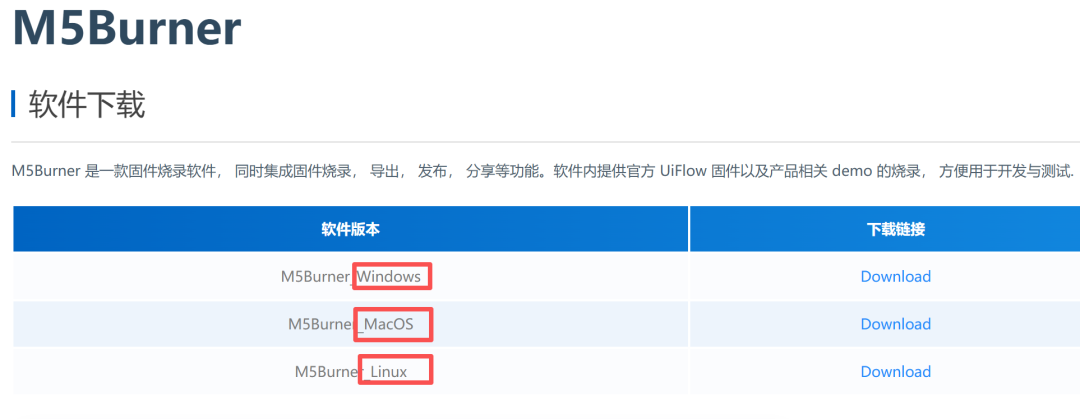
Flashing tool: M5Burner
Always use the official tool first. Download here: https://docs.m5stack.com/zh_CN/uiflow/m5burner/intro
Download the installer based on your OS. (Note: The flasher doesn't support Huawei's HarmonyOS on laptops.)
Unzip and run the software.
Scroll down to "paper" and click in — you'll see a bunch of firmware packages on the right.
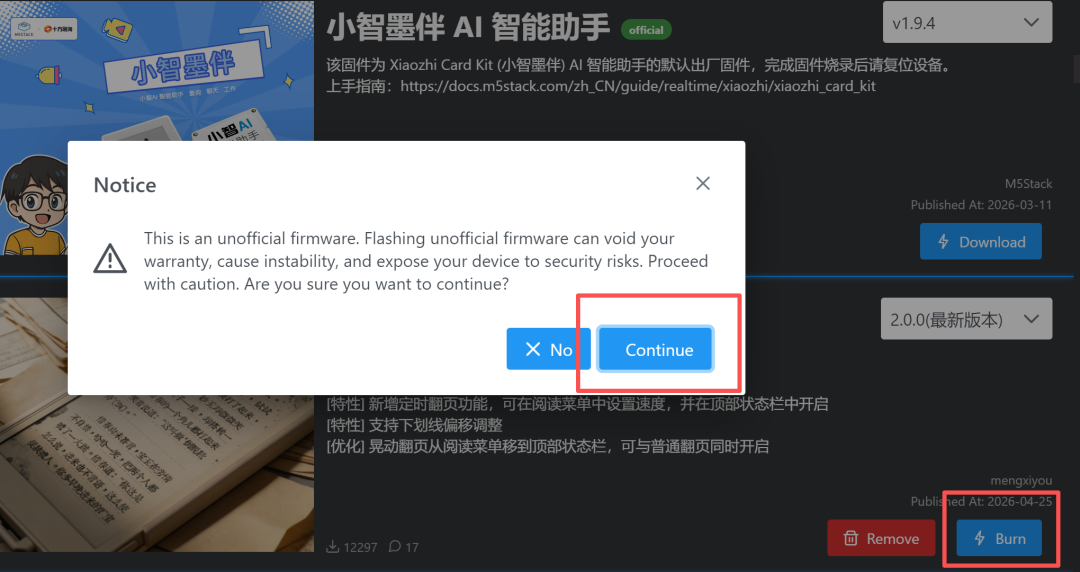
Found the read card | EDC Book, this is the firmware made by Bilibili blogger [Dream West Journey Ah You].
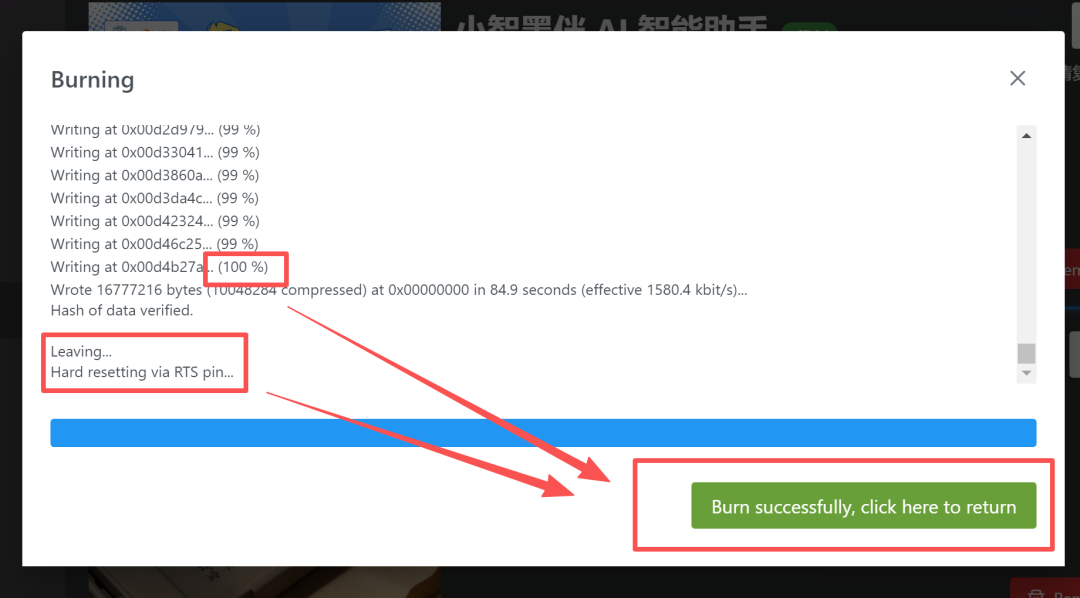
Click "Download". Once downloaded, it becomes "Burn". Click "Burn", ignore the warning pop-up, and click "Continue".
The critical step: success hinges here.
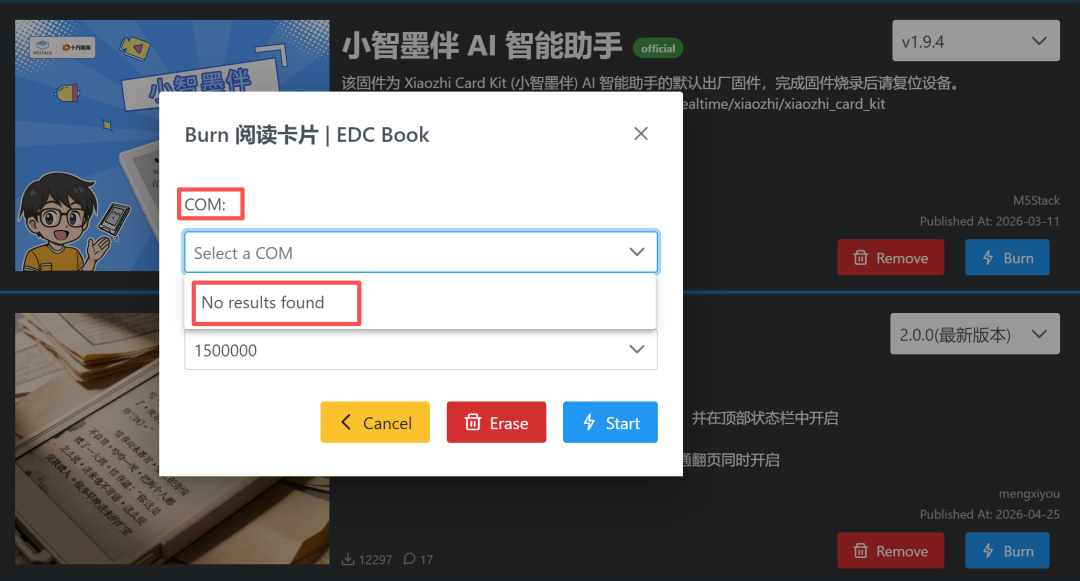
Without a device connected, the COM tab says "NO results found".
Connect the PaperS3's power port to your computer via USB. If recognized, the COM dropdown will show a port number. Leave BaudRate as default.
Don’t click “Start” yet.
First, long-press the power button on the PaperS3. Wait until the red LED on the back flashes — indicating it’s entered flash mode. This LED is hidden; rookies often miss it.
Once in flash mode, don’t touch the computer or device — just wait for the blue progress bar to finish.
Only when all 3 indicators (top text, middle bar, bottom message) say you’re done is it truly successful.
Click “Burn successfully, click here to return”, unplug, press power again — done!
If you can’t follow this, close the article now.
I’ll be blunt: if you’re a beginner who hates tinkering, stay away from this. You’ll spend more time fixing stuff than reading, which defeats the purpose.
Firmware and Experience
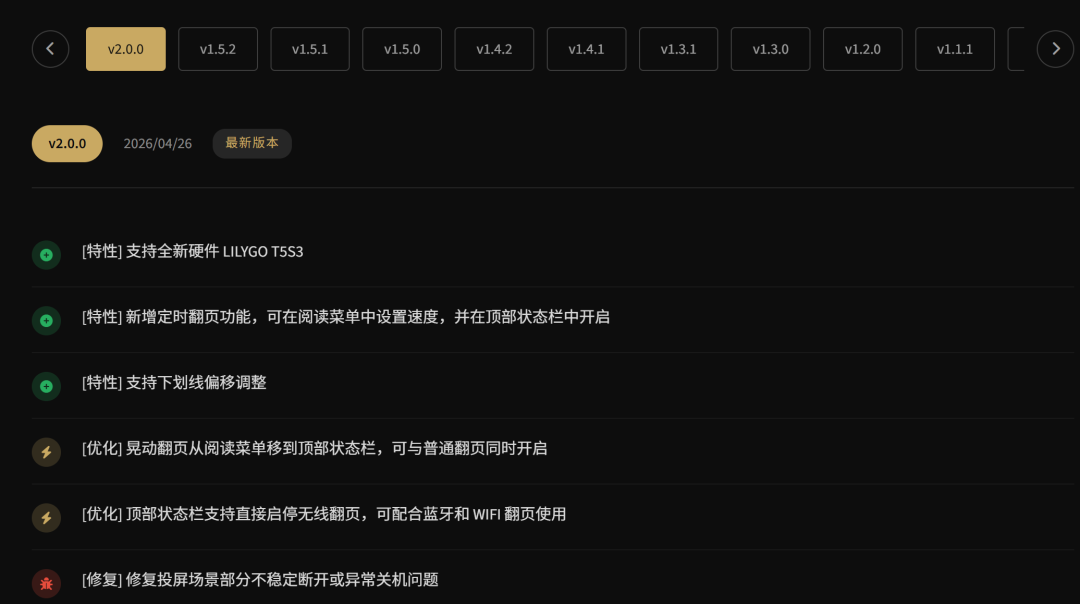
I’m currently running V2.0.0, so my review reflects that version.
For firmware updates, visit [梦西游啊游]’s page: EDCBook.CN
Release notes are there too — you have to check regularly.
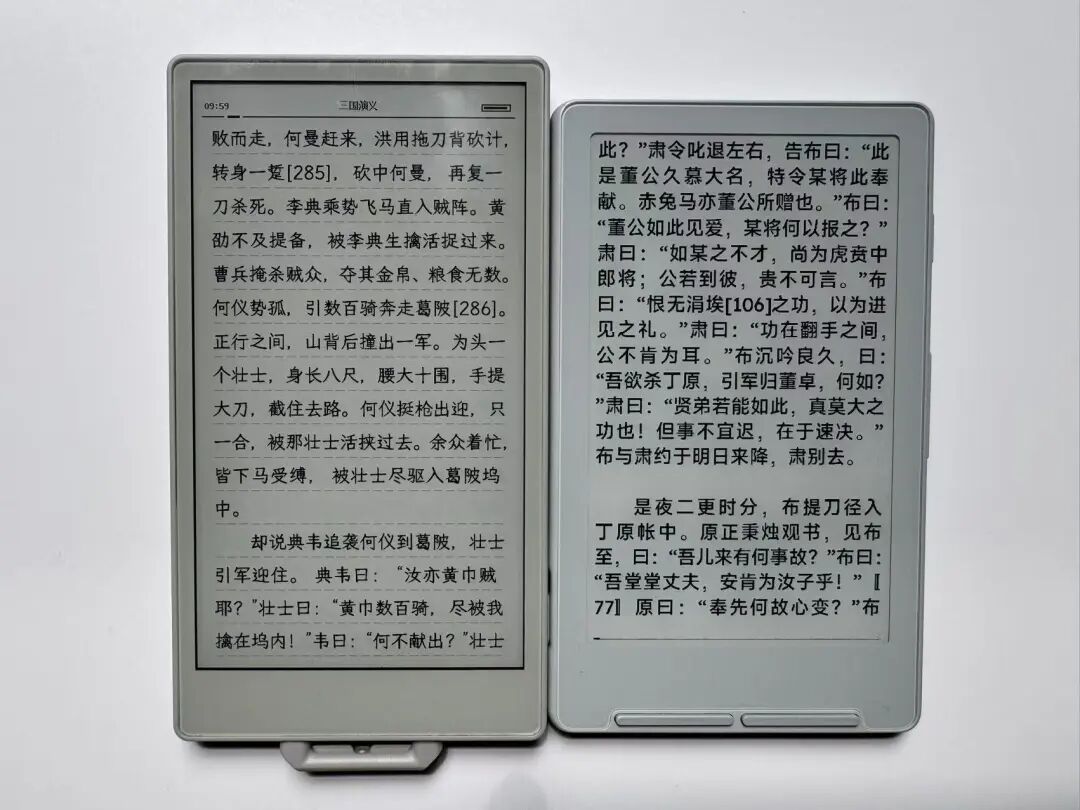
The PaperS3 is very minimal — boot up with 3 options: continue reading, open library, connect service.
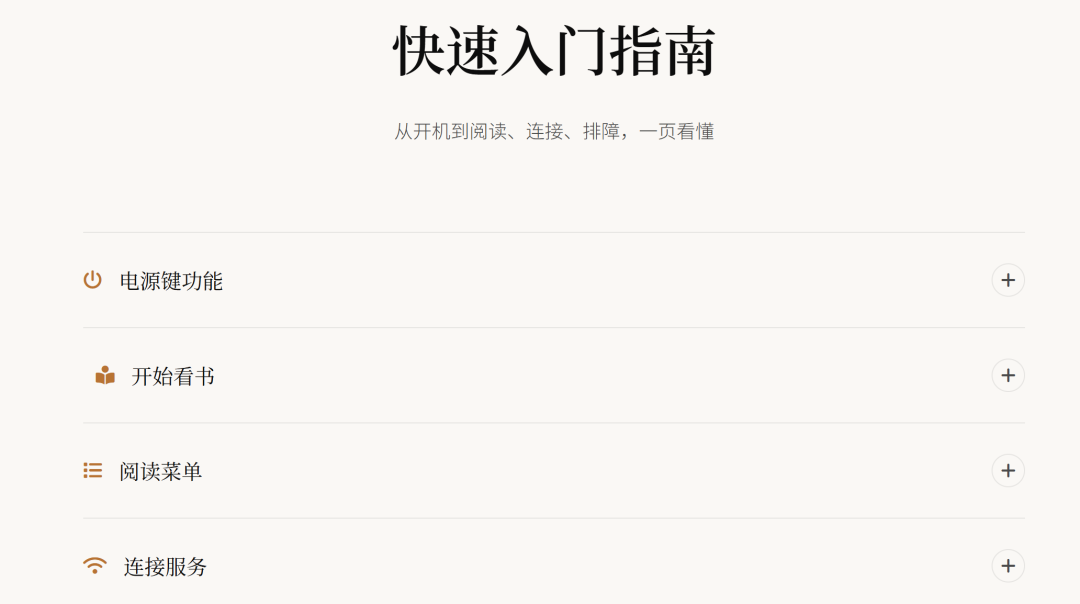
Changing fonts or wallpapers requires PC interaction. Quick start guide is also on the creator’s page.
V2.0.0 improves page turn speed and ghosting control — it now feels like Kindle Paperwhite 6 in terms of animation.
Hardware? One button, flexible screen, full touch — that’s literally it.
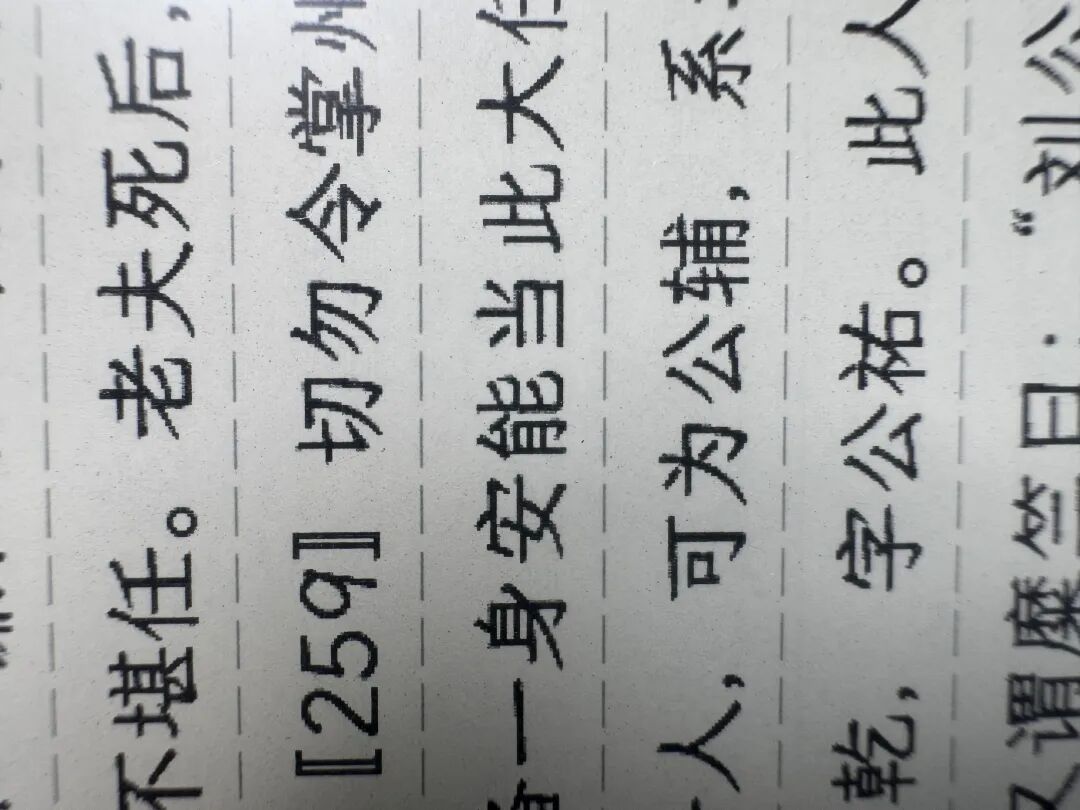
Despite having 16 levels of grayscale, there’s visible aliasing.
Its popularity owes everything to the open-source devs constantly improving it.
Unlike some small brands that steal code then lock down their devices, the PaperS3 community stays open and collaborative.
Should You Buy It?
Reality check: this isn’t as great as you think. It has limits.
The screen itself isn’t perfect — the right edge shows yellowing not captured well in photos but obvious to the eye.
In mainstream readers, this would be a dealbreaker.
File support is limited to TXT — everything else needs conversion.
Worst of all, the display is discontinued. What you buy today is secondhand, and the price has jumped from ~300 RMB to over 500 RMB (with no warranty).
A development board turned reading device by community demand — not a bad thing, but not worth the current inflated price.
This is for tinkerers who love DIY. If you just want a reader, save the money for actual books.
True geeks don’t chase the most expensive device; they make imperfect hardware work better through customization.
Huge thanks to the open-source heroes making this possible!
The true spirit of a geek is not about buying the most expensive equipment, but about tuning imperfect hardware to its most comfortable state.
Thanks again to the big shots in the open-source community!